
Before you start
Anyone with Viewer permission or higher can search. Quick search is for finding posts and checking 30-day trends. For sentiment, themes, and demographics, create a Query.Find posts
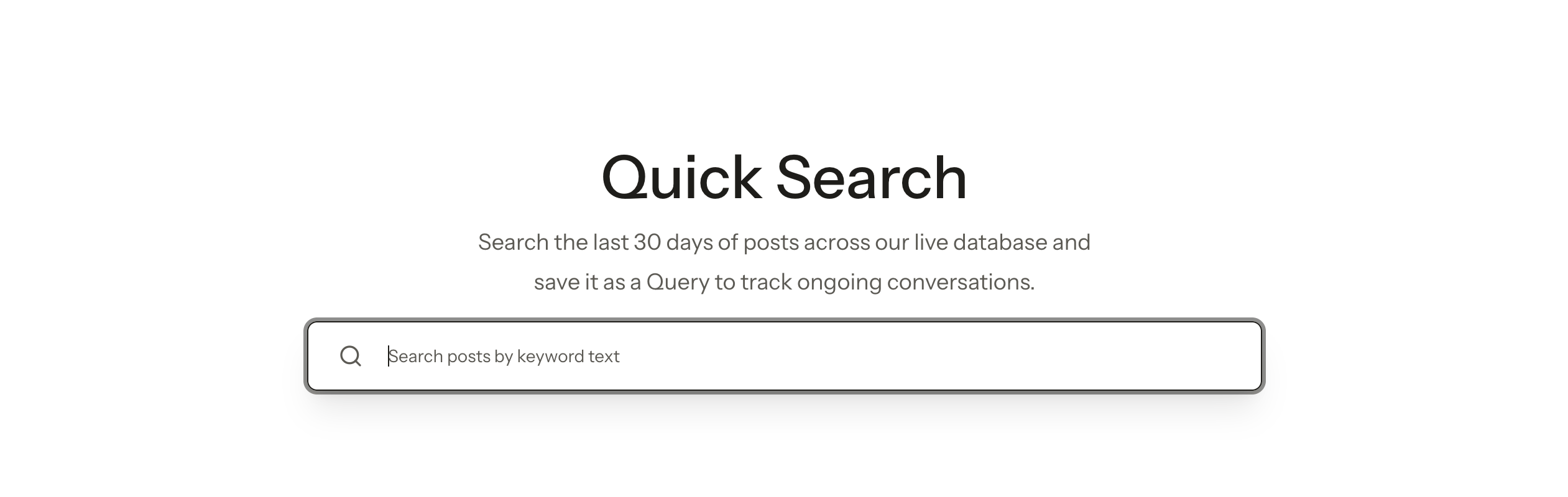
- In the sidebar, open Quick search.
- Enter a keyword.
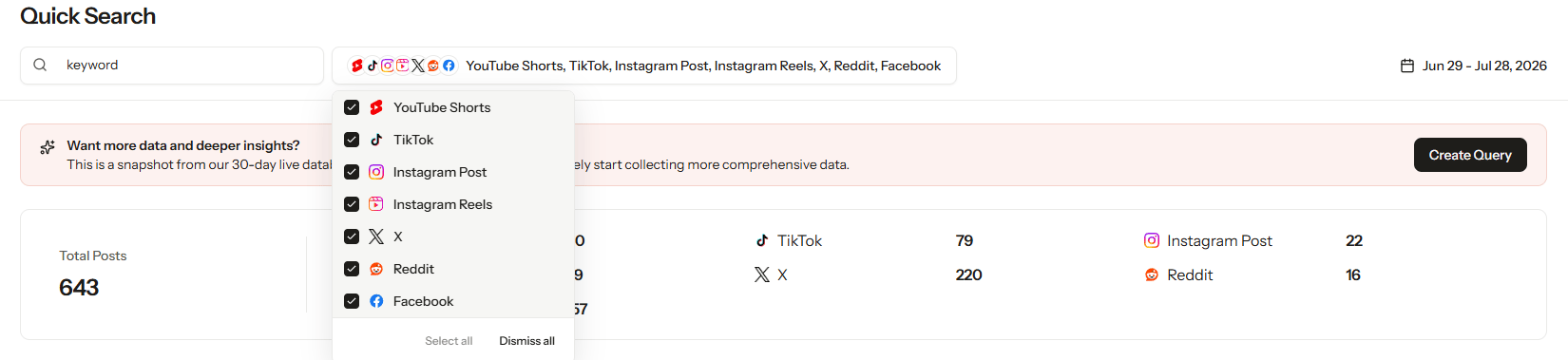
- Adjust the platform, hashtag, and minimum views or engagement as needed.
- Review the matching posts and their metrics.
- Check the trend chart to compare daily post volume by platform over the last 30 days.
- Select a post to see its content, creator, and performance.
Read the 30-day trend
Dates follow your workspace time zone. The chart compares daily post counts on TikTok, YouTube Shorts, and Instagram Reels. Days with no matching posts show 0. Look at post volume together with views, engagement, and what people are saying to get a full picture of how a trend is moving.Quick search vs. Query detail vs. Query explorer
- Quick search: Find posts by keyword fast and see 30-day trends by platform.
- Query detail: Review a Query’s collected Posts, its Noise posts, and its Query settings.
- Query explorer: Compare Queries of the same type side by side, across posts, performance, sentiment, conversation, and demographics, and save your setup as a View.
Tips and troubleshooting
- After changing filters, check that both the post list and the trend chart update.
- If nothing appears, check your search terms, platforms, hashtags, and minimum view or engagement settings.
- If dates look off, check your workspace time zone.