
Before you start
- Queries: Prepare at least 2 Queries of the same type (all Brands, all Products, or all Topics) in the same workspace.
- Owned and competitors: Exactly 1 Query is your owned brand or product. Add 1 or more competitor Queries.
- Permissions: Viewer or higher can view results. Editor or Admin can create and edit analyses.
Create a Share of voice analysis
- In the sidebar, open Social intelligence > Share of voice and select Start analysis.
- Select 2 or more Queries of the same type.
- Find your brand or product and select Set as owned. The other Queries become competitors.
- Check the name and Queries, then finish creating it.
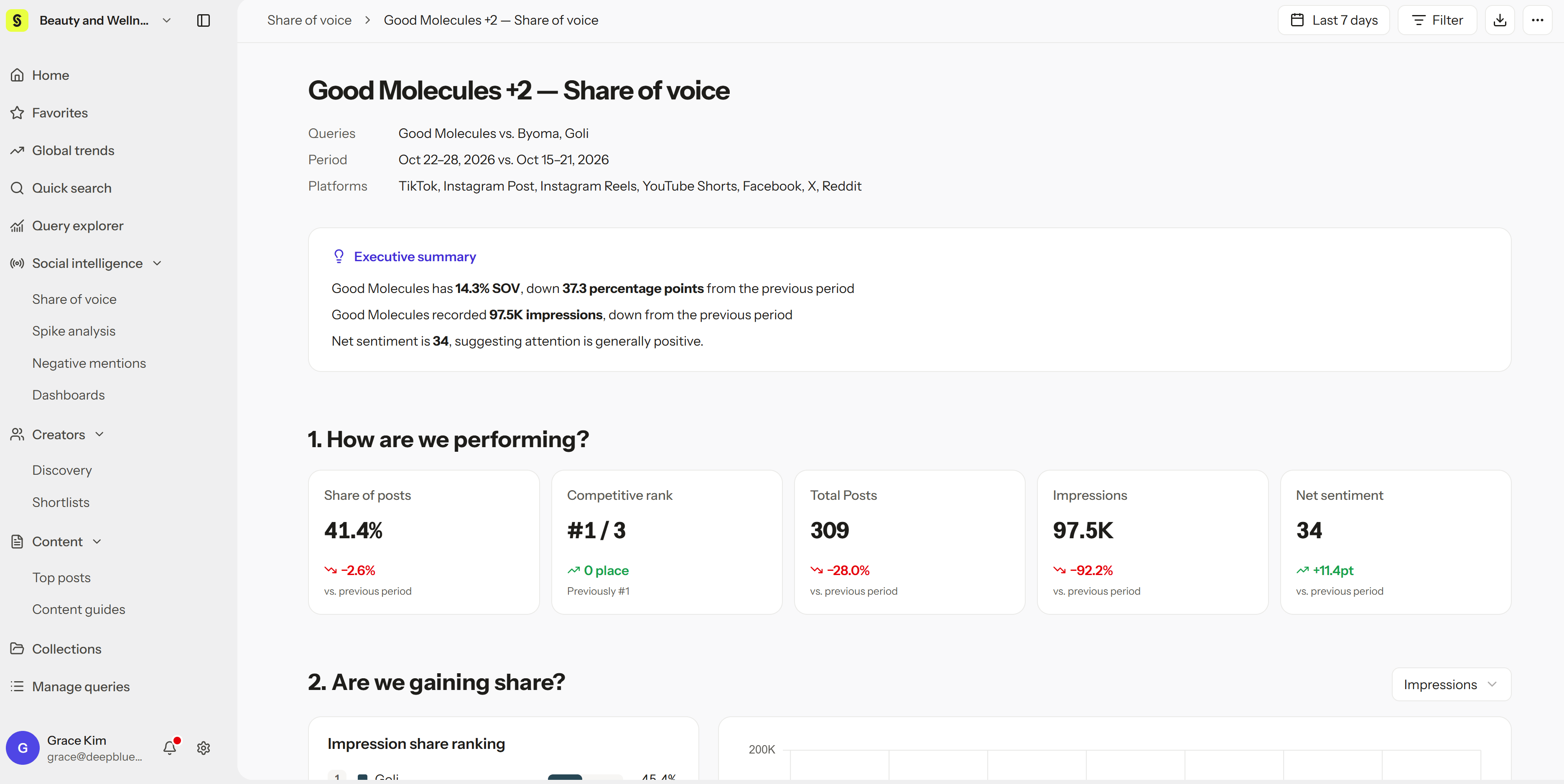
- Open the new analysis to see share and period comparisons.
Analysis period
- Default: The last 7 full days (not including today), in your workspace time zone, compared with the 7 days before that.
- Custom: Use the date picker to choose the last 30 days or another period, such as a quarter or a campaign window.
Metrics
Reading changes
- Share changes are shown in percentage points (pp), not percent. Going from 20% to 25% is +5 pp, not +25%.
- Sentiment score changes are shown in points (pt).
- Shares depend on the group. Adding or removing a competitor changes everyone’s share.
A post that mentions both your brand and a competitor counts toward each Query. So the total across Queries can be higher than the number of unique posts.
Tips for reading the results
- Post share up, impression share down? A competitor may be reaching more people with fewer posts, for example through a few viral videos or a big creator partnership.
- Check the top posts. When shares shift sharply, open the top posts in the report to see which videos drove the change.